
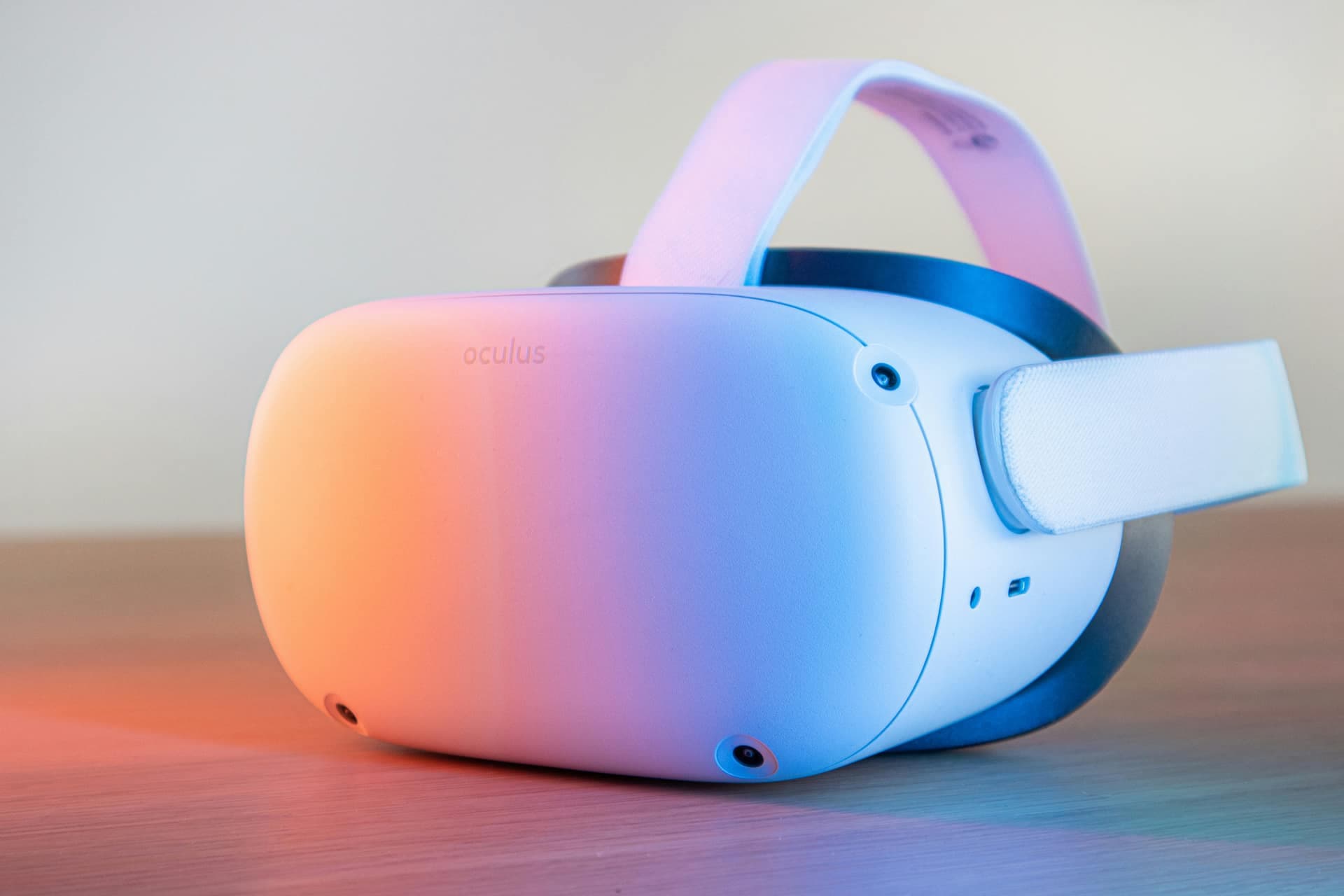
See a defence-grade drill run live.
Tell us about your operation and we will tailor a walkthrough to your hazards, sites and compliance needs. Most teams are scheduled within one business day.
What you will see
- A live VR module run end to end, scored action by action
- A multiplayer team drill with role assignment and coordination scoring
- The compliance dashboard: pass rates, time-on-task and audit-ready records
- A deployment plan mapped to your sites, shifts and hazards
Prefer to talk first? Email hello@drillxr.com.
What the walkthrough covers
A DrillXR walkthrough is a guided, tailored session rather than a generic product tour. We start with your operation — the sites, the shifts and the hazards that keep your safety team up at night — and shape the demo around them. You will watch a full VR module run end to end, with every action scored and timed, so you can see exactly how a pass or a failure is determined. We then show a multiplayer drill where roles are assigned and the team is scored on how well it coordinates, followed by the compliance dashboard where pass rates, time-on-task and audit-ready records come together. We close by sketching a deployment plan mapped to your sites and shifts.
The goal is for you to leave able to answer the questions your own stakeholders will ask: how competence is proven, how the evidence maps to compliance, and what a rollout would look like on your floor. For the underlying engine, see the platform page; for the team scenarios, see multiplayer training.
Who should attend, and how to prepare
The most productive walkthroughs bring the right people into the room. EHS and safety leaders confirm that the scoring and evidence map onto statutory requirements. IT evaluates how headsets are deployed in kiosk mode and what, if anything, touches the network. Operations and training leads judge how the modules fit existing shift patterns and competency matrices. And procurement gets the context it needs to scope a pilot or a rollout. You do not need everyone present, but the more of these perspectives you bring, the faster the decision moves.
To get the most from the session, come with a couple of things in mind: the one or two hazards you would most want to drill first, a rough sense of how many operators and sites are in scope, and any compliance frameworks the evidence needs to satisfy. With that, we can tailor the demo to your reality instead of showing a generic scenario. If you want context beforehand, our VR safety training overview and the industries page are good primers.
What happens next
After you submit the form, most teams are scheduled within one business day. We confirm a time that suits the people you want in the room, ask a few short questions so we can tailor the scenarios, and run the walkthrough — typically in under an hour. If there is a fit, the natural next step is a focused pilot on your own floor, where the numbers stop being illustrative and start being yours. You can also review the outcomes other teams measure in our case studies or weigh the economics in our guide to VR training ROI.
A few common questions
- How long does it take? Most walkthroughs run in under an hour, with time at the end for your team’s questions.
- Do we need a headset? No. We run the demo for you; the hands-on hardware experience comes during a pilot, deployed in kiosk mode.
- Can it be tailored to our hazards? Yes — share your priority scenarios on the form and we will shape the session around them.
- What comes after? A scoped pilot that produces audit-ready evidence on your own sites.
How we tailor the session to your operation
No two industrial sites carry the same risk profile, so no two walkthroughs should look the same. Before we meet, we take the hazards, shift patterns and compliance frameworks you describe on the form and select the scenarios that mirror your floor most closely. If your priority is emergency response, we will centre the session on a scored emergency mock drill; if fire is your dominant concern, we will run a fire safety module instead. The point is that you watch DrillXR handle a hazard you actually manage, not a generic demonstration that leaves you guessing how it would translate.
We also map the walkthrough to the people in the room. A safety leader sees how scored attempts become audit-ready evidence; an operations head sees how quickly a new operator reaches a verified pass; a trainer sees how a multiplayer drill exposes coordination gaps that single-player practice hides. Wherever it helps, we draw on the wider VR training library and the high-hazard industries we serve so the examples feel close to home.
Integration, hardware and deployment notes
Practical questions about rollout usually surface fast, so we address them head-on. DrillXR runs on standard standalone VR headsets deployed in kiosk mode, which means an operator picks up a device, completes an assigned drill and hands it on without touching a menu or a login flow. There is no specialist workstation to provision and no gaming PC tethered to each station. During the walkthrough we explain what, if anything, needs to reach your network, how completion records sync, and how the same hardware later carries multiplayer team drills without a second system.
For teams that need to fit DrillXR into an existing learning ecosystem, we cover how the scored evidence can be exported and how the compliance platform structures records by role, site and competency. We keep the technical detail proportionate to who is in the room — enough for IT to feel confident, never so much that the safety and operations leads lose the thread. If a deeper integration conversation is warranted, we line it up as a focused follow-up rather than crowding the first session. The broader programme context lives on our VR safety training overview if you want to read ahead.